
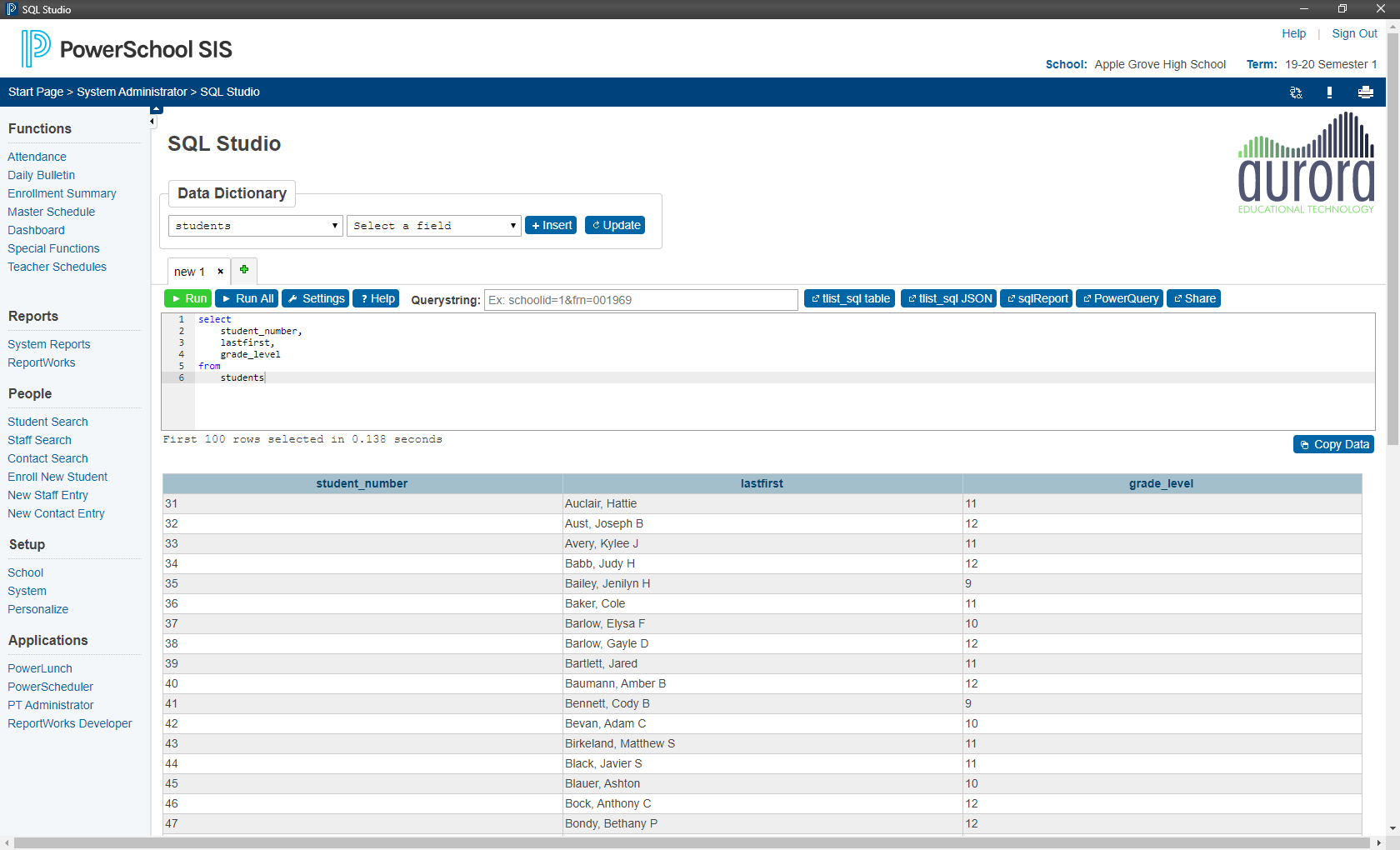
New features:
- Query results are limited to 100 rows by default. New shortcut keys for returning all results.
- Timer for estimating query execution time.
- Single-line comments converted to multi-line comments for tlist_sql and sqlReports exports.
- Added directive to remember default rows-per-page across all Grid Widget implementations.
- Share button for posting queries with results to e-mails/forums.
- Added newline and cr to autocomplete.
- Added detection for students.dcid and students.id for making student links and selections.
- Added table.* insertion option in data dictionary.
- Added field sortorder to data dictionary (used when inserting table.*).
If you are not already a SQL Studio Premium subscriber, here is what you are missing:
- Querystring: Pass a set of key=value pairs to the query. This is useful for testing queries that will have arguments passed to them from user input.
- Tabs
- Export buttons: One-click buttons for exporting a query to tlist_sql, sqlReport, or a PowerQuery
- Copy Data button: Copy the queried data to the clipboard